Clock in with a single tap
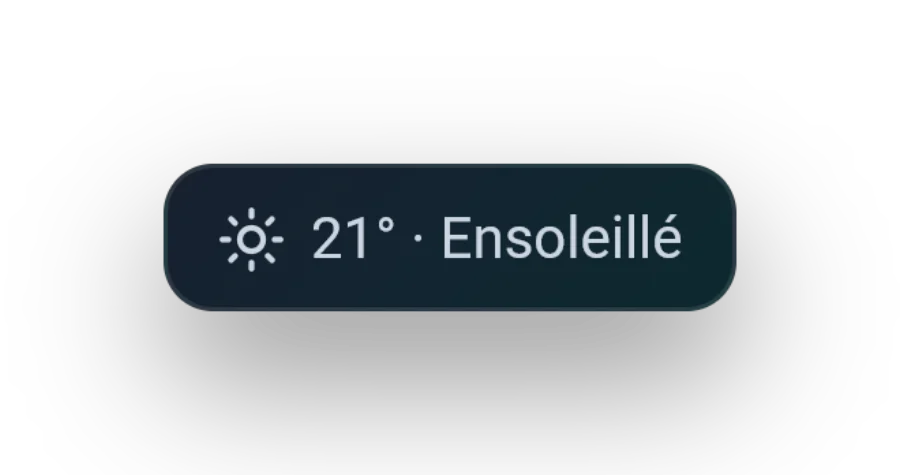
One button, one action. The home screen shows the time, optional local weather and the only gesture that matters the moment you arrive.
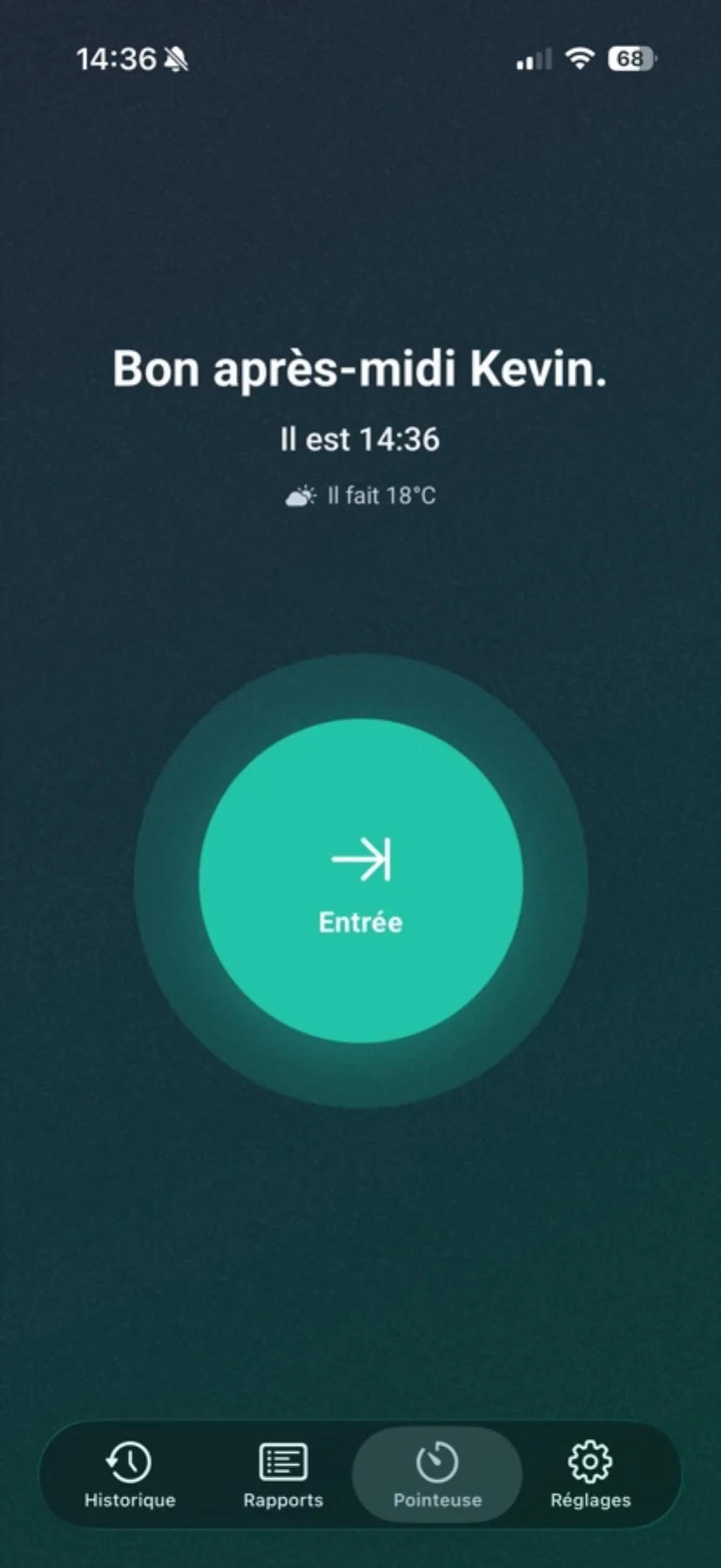
Clock in, break, resume, clock out. Horio tracks your hours, works out your overtime and hands you the PDF — no account to create, no ads, fully offline.
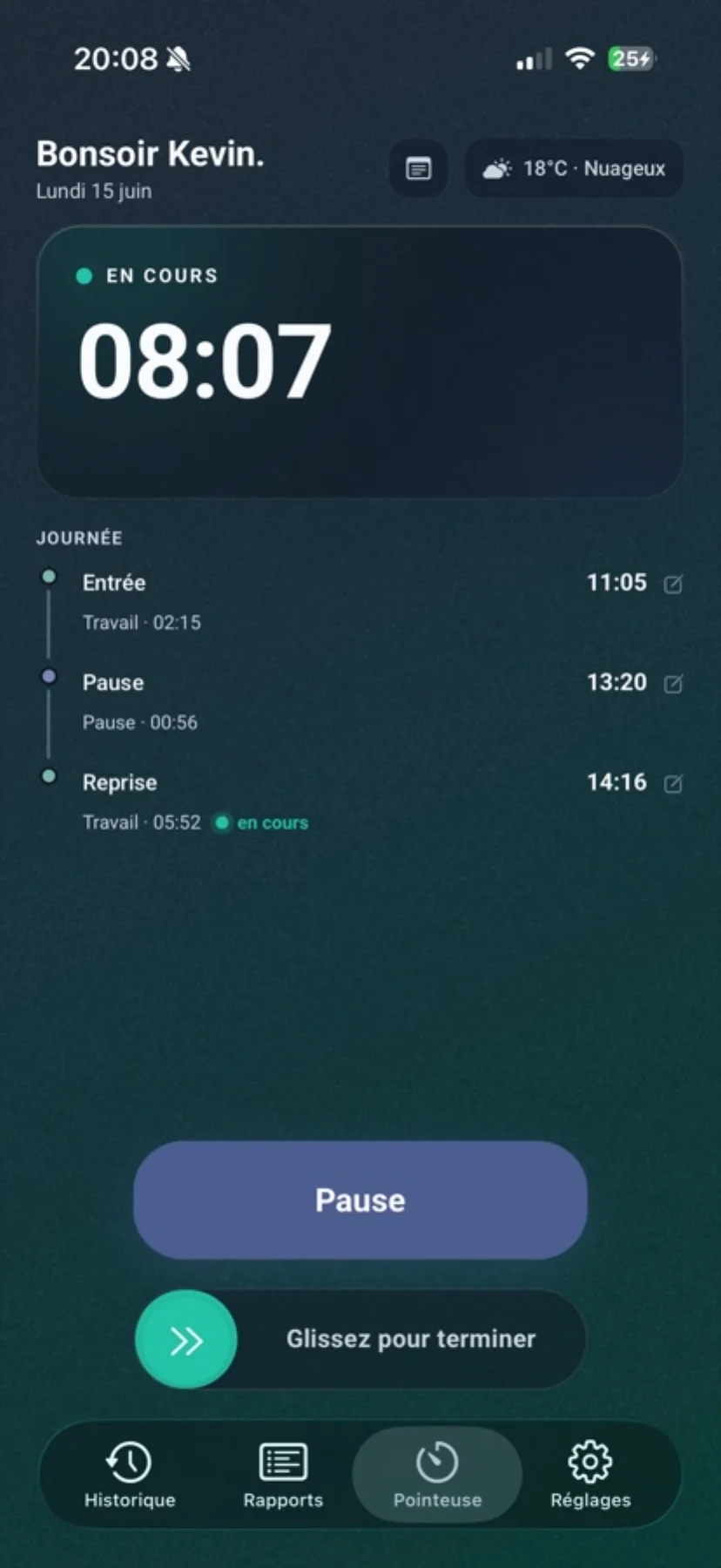
Clock in fast, follow your day live, fix yesterday’s missing entry, make sense of your month and leave with a PDF ready to send.
One button, one action. The home screen shows the time, optional local weather and the only gesture that matters the moment you arrive.
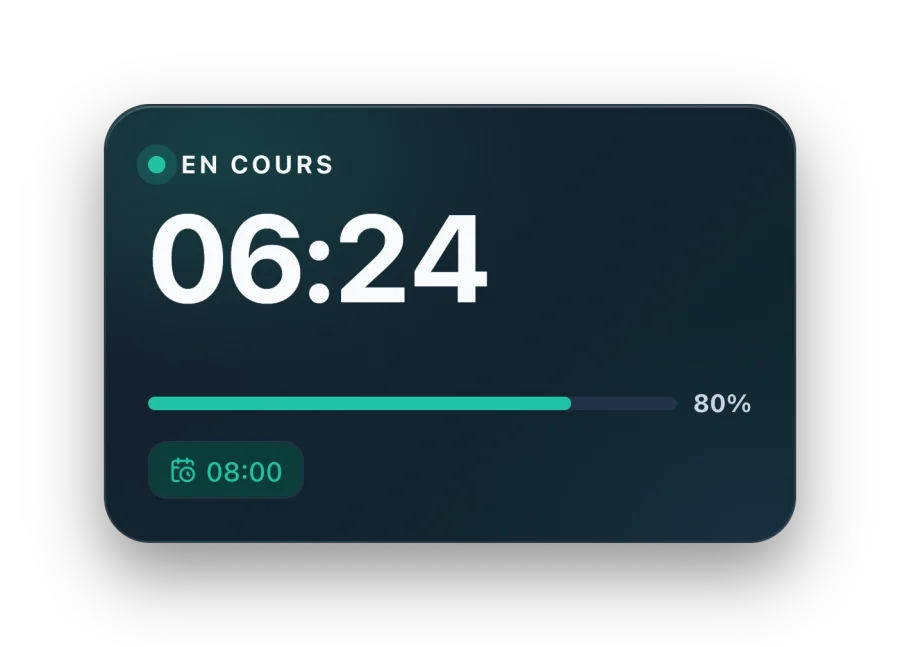
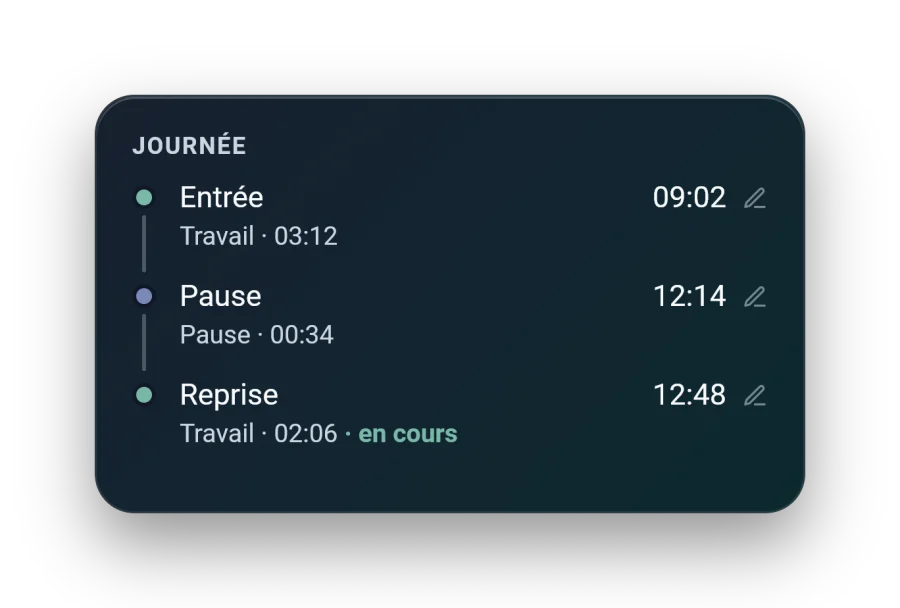
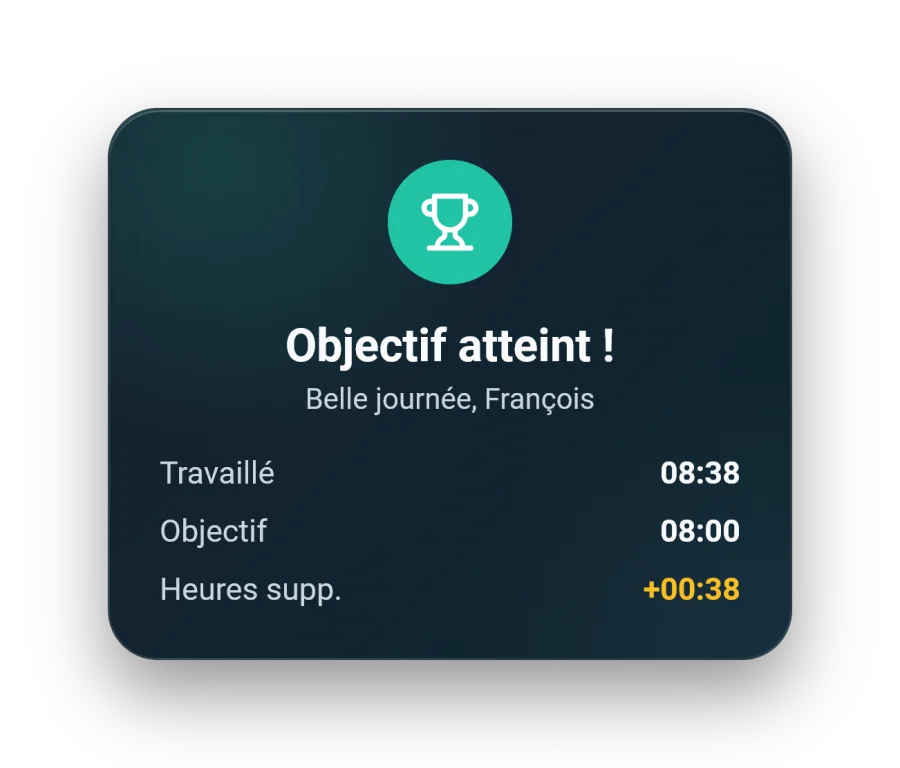
Running work time, active break, full punch timeline: everything stays readable at a glance, and any entry can be corrected on the fly.
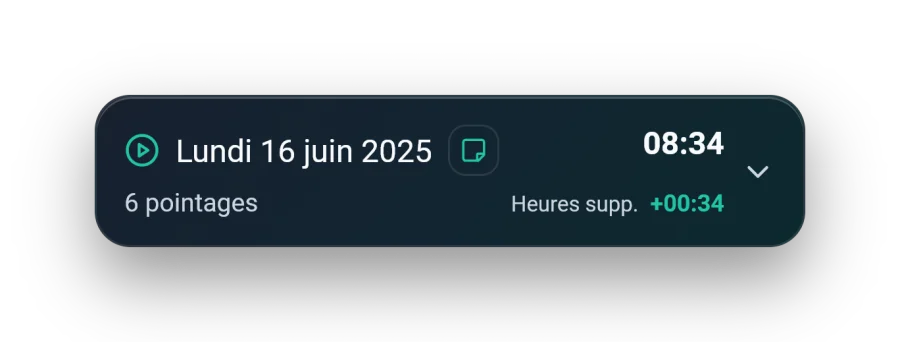
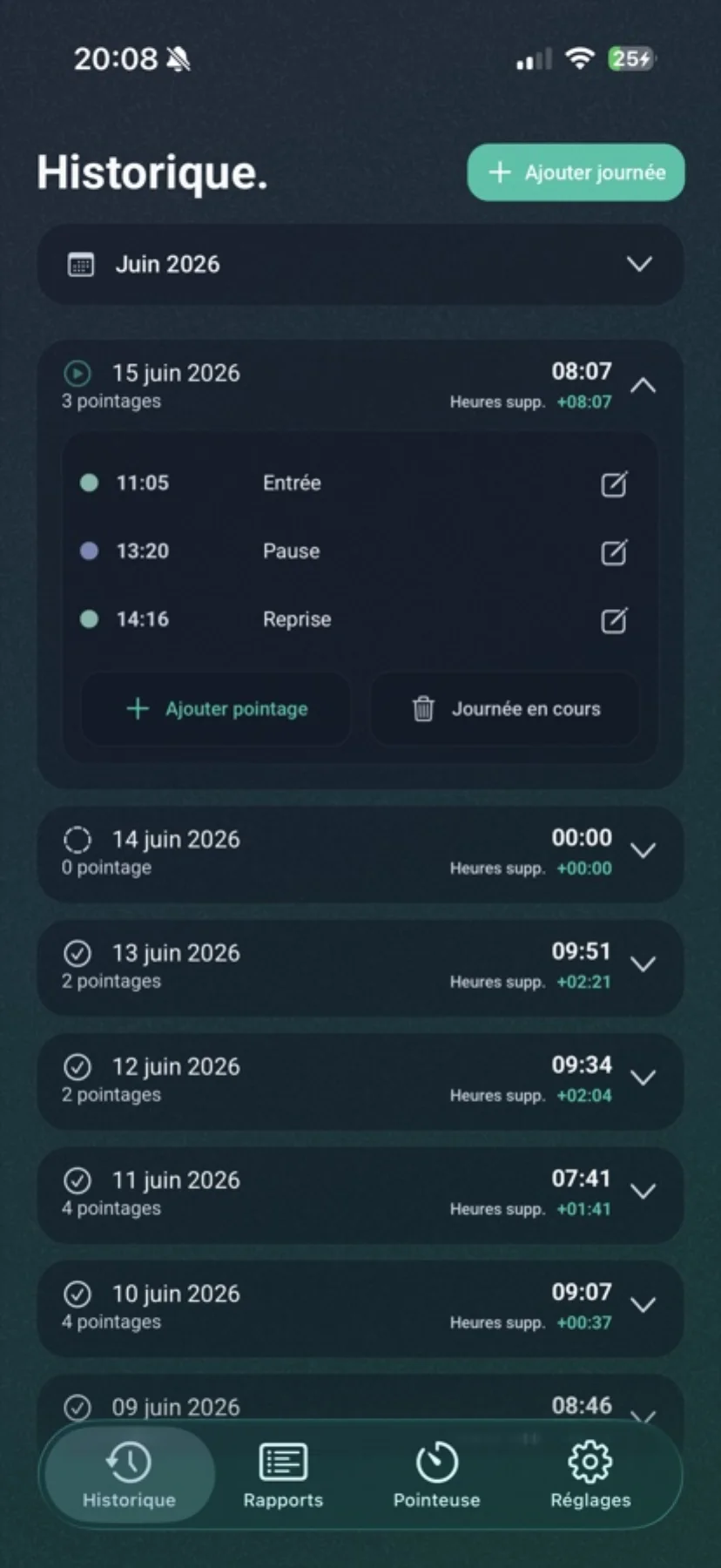
Your punches grouped by day, with overtime calculated automatically. Add a forgotten day or fix a time without friction.
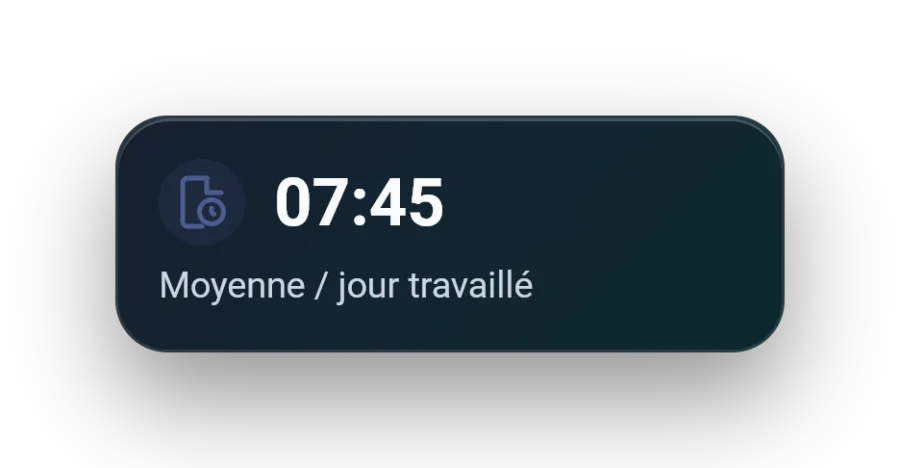
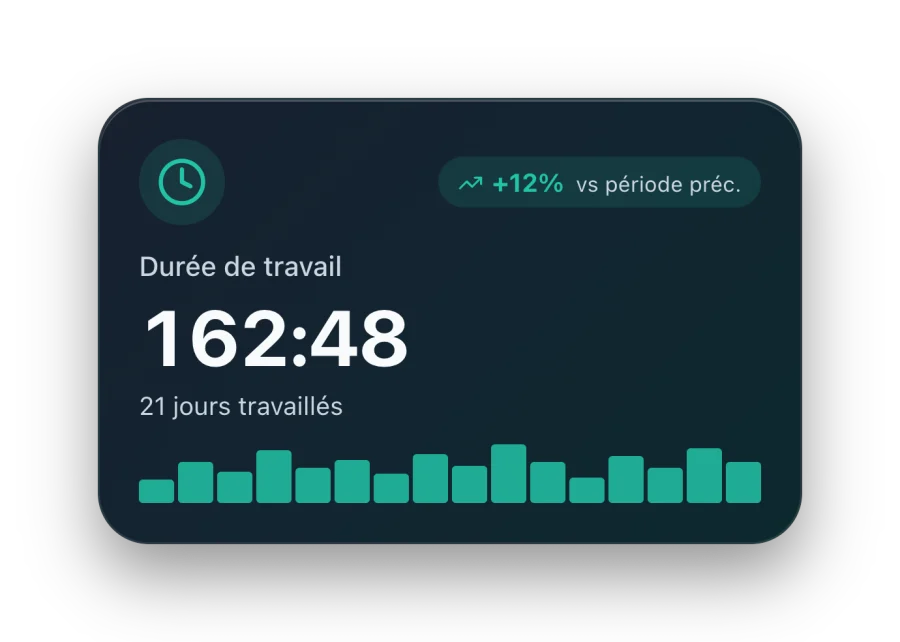
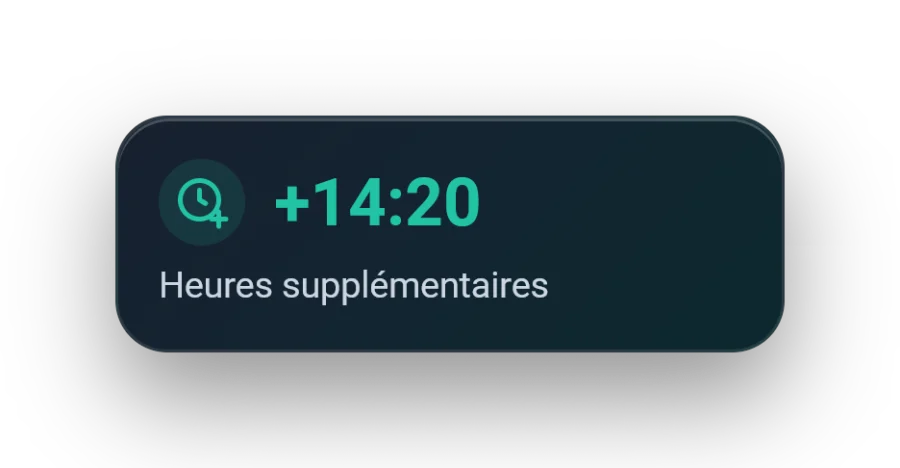
Pick your dates and read what matters: total time, overtime, averages per day and per break, longest and shortest days.
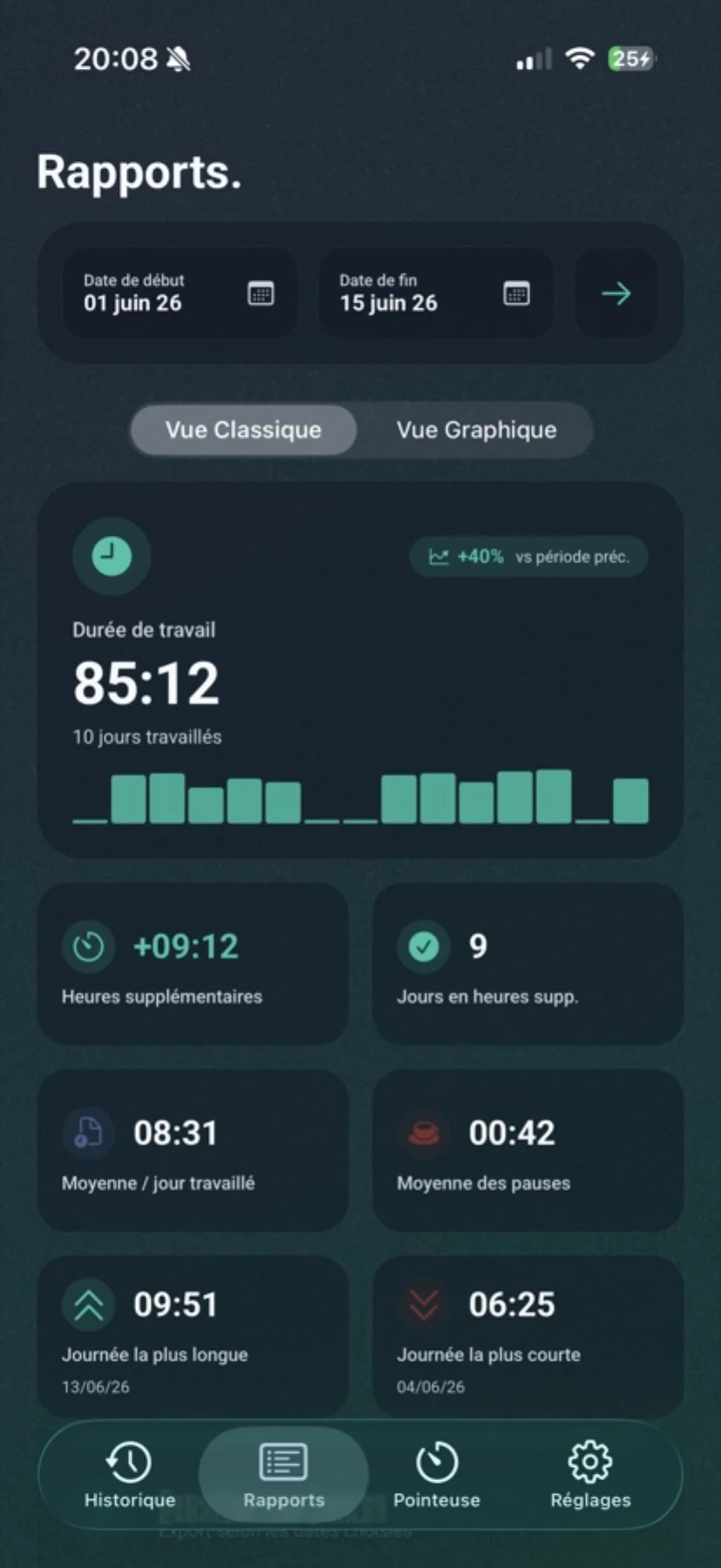
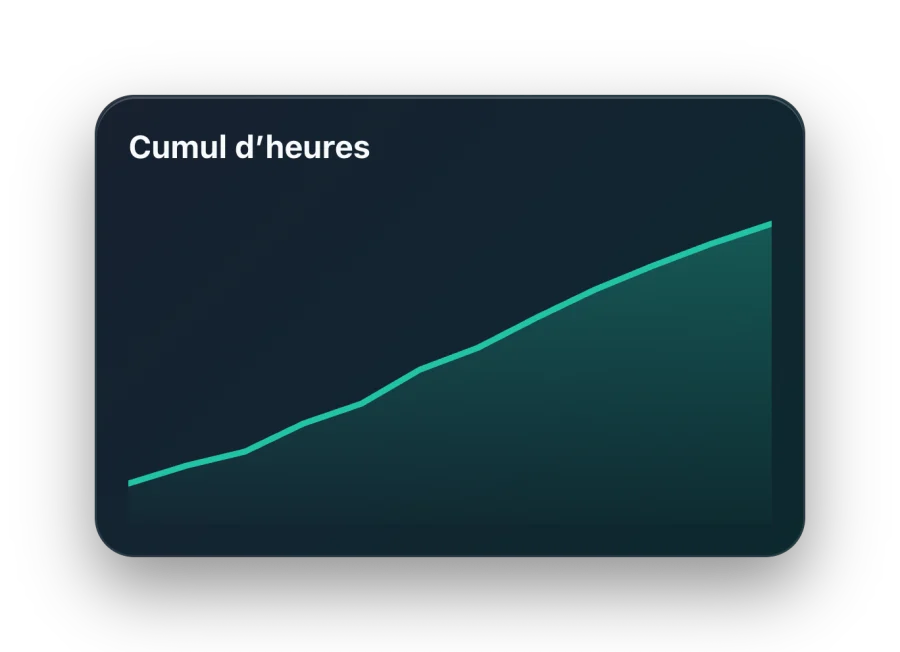
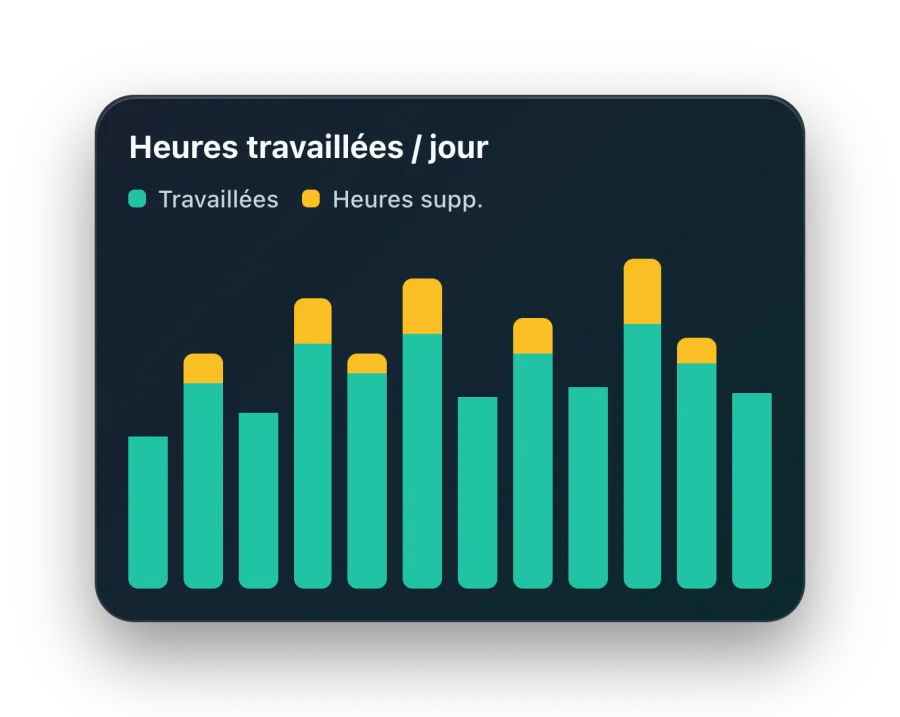
Hours per weekday, split between worked days and rest: the charts show your real rhythm without drowning you in numbers.
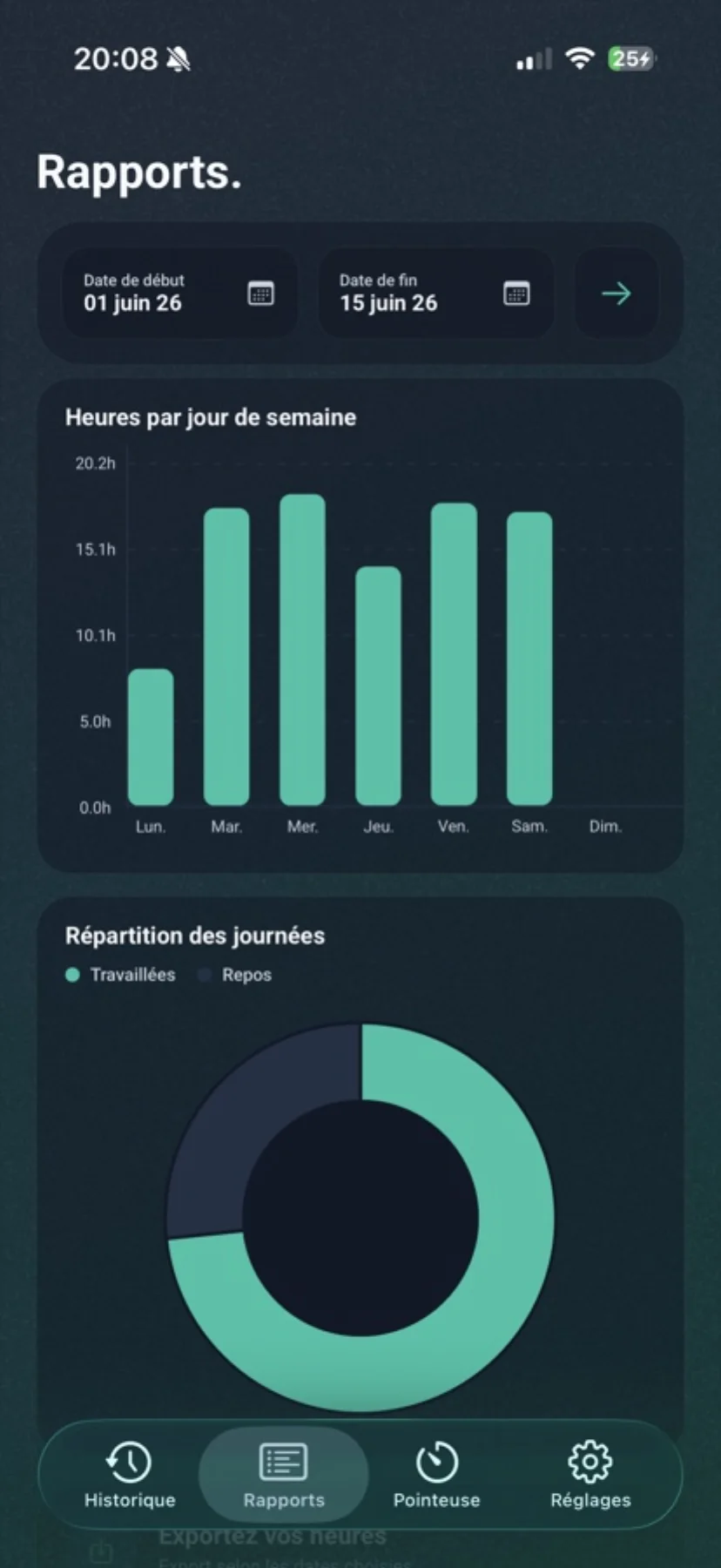
A clear, dated PDF ready to send to an employer or an accountant. CSV export stays available for your own calculations.
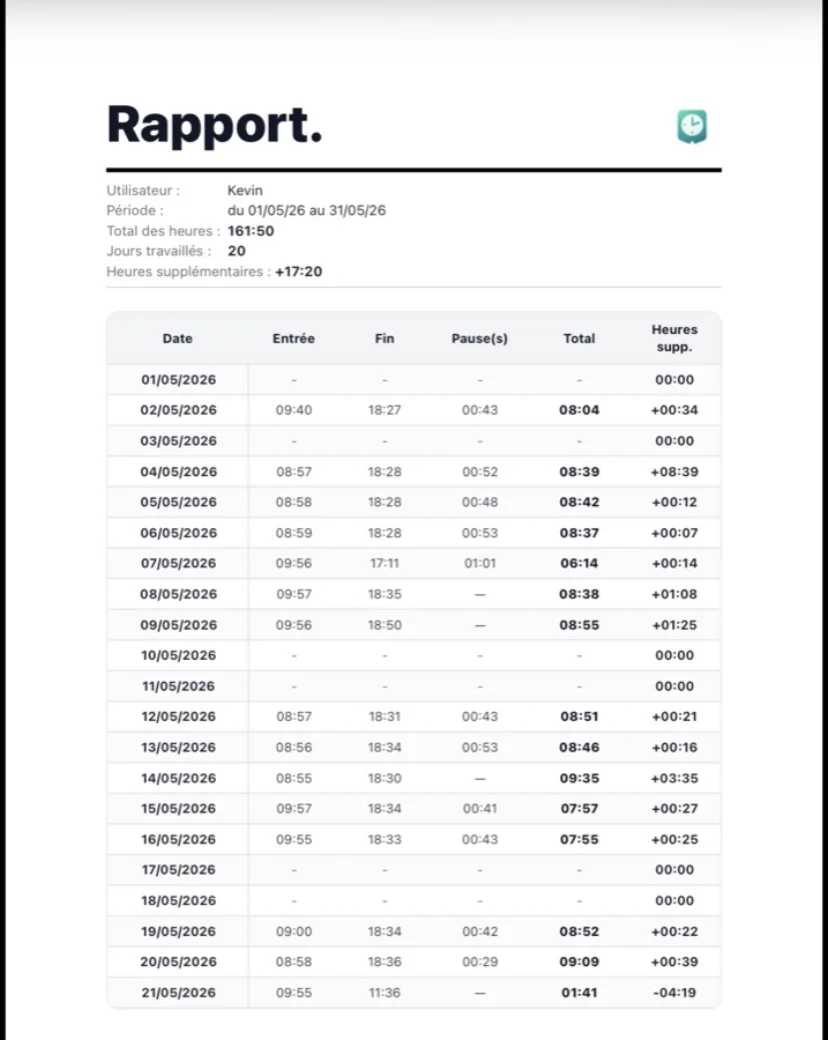
Horio isn’t trying to become an HR platform. It does one thing: track your hours for you, and hand back clean data the day you need it.
The main screen behaves like a personal time clock with live status, worked time, active break tracking and editable events for the current day.
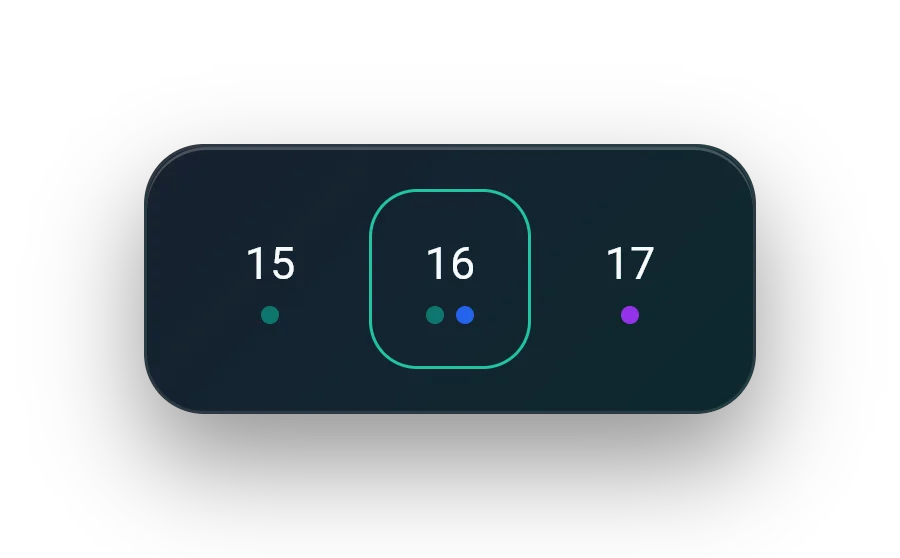
Add a day from the calendar, correct a punch, classify a forgotten day or time off, and keep a readable history without friction.
Define weekly schedules, manage multiple templates, cross midnight when needed, or simply compare your daily goal with actual worked time.
Pick a period, review averages, overtime, long and short days, then export the results in PDF or CSV when needed.
Native widgets, local reminders, 12 h / 24 h format, sounds, vibrations, language, theme and optional local weather extend the app without bloating it.
Use the app without an account or enable cloud sync on demand. Biometric lock protects access to the data stored on the device.
Four moments, in the order they actually happen.
Onboarding sets your language, name, schedule type and initial weekly setup so the app starts with consistent calculations.
The time clock shows the current state, active break, daily target and full event timeline without forcing account creation.
History, detailed analytics, charts and missing-day qualification help you understand what was actually worked over time.
Apple or Google sign-in, cloud backup, restore and premium status remain optional so the local-first model stays intact.
No ticket queue, no bot. Horio is built by one person, who reads and answers.
These answers cover the most common questions about how the app works, how data is handled and what premium unlocks.
No. The app works locally first. An account is only useful for optional features such as cloud backup and synchronization.
Yes. A large part of the product remains available offline: clock-in, local history, schedule management, personalization, local protection and widgets based on device data.
Premium mainly unlocks full history, advanced analytics, PDF/CSV exports and some more detailed reporting views.
Install Horio, set your schedule in two minutes, and clock in. No account to create.
Read the terms of use and privacy policy anytime, in French, English or Spanish.
Service access rules, usage framework, in-app purchases, liability and editor contact.
Read termsLocal and cloud processing, legal basis, technical providers, GDPR rights and data deletion.
Read privacy policyLegal and support contact: contact@tempstravail.com.